
Back in stock
Turn "sold out" into the next sale.
Instead of a dead button — a "notify me" button. When stock returns, the oldest waiters get a priority SMS to complete the purchase, matched to the returned quantity. Whoever doesn't buy makes room for the next in line.
Built to work. For you.
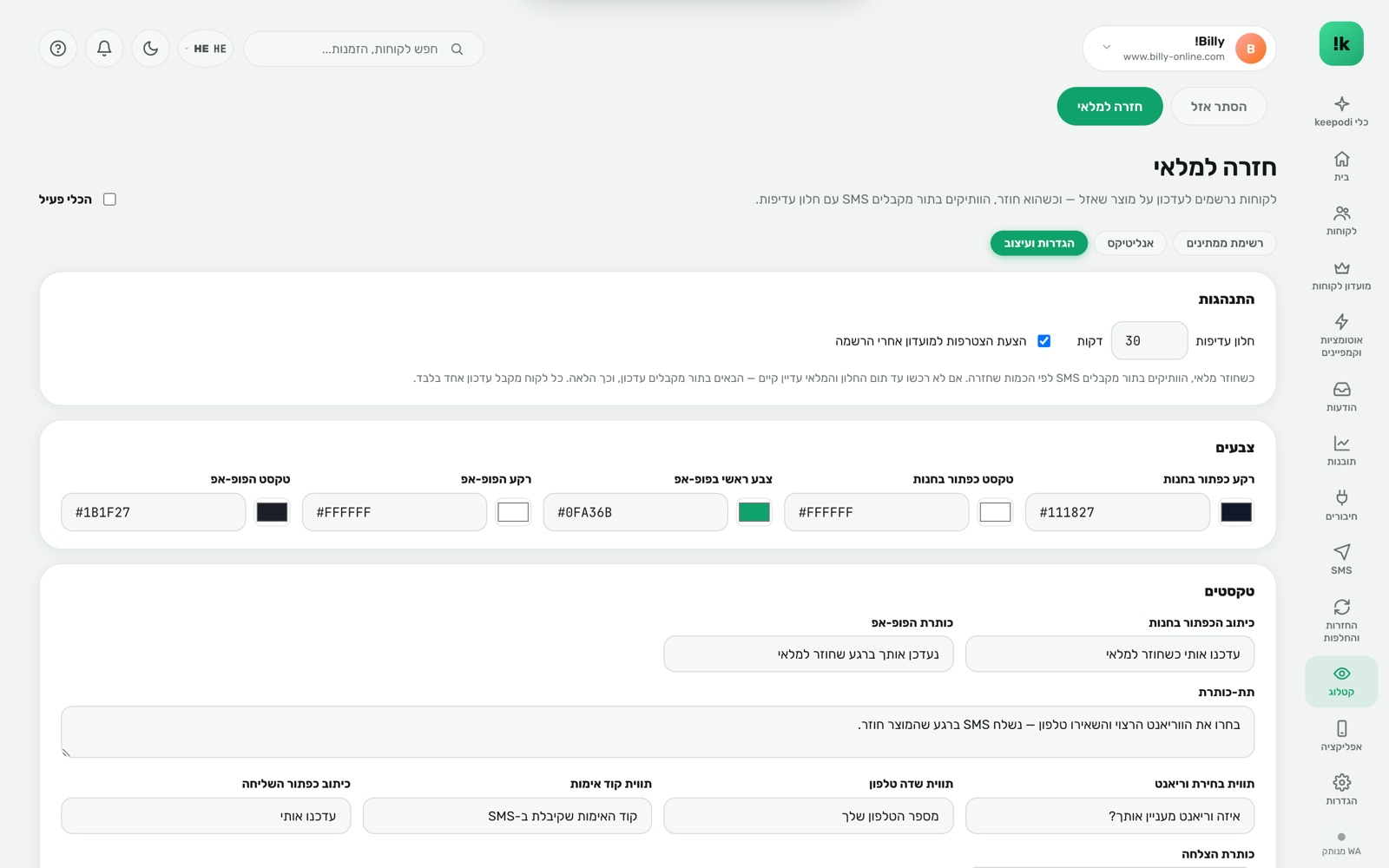
A button in your design
Appears automatically on every sold-out variant, in the store's colors and text.
A first-come queue
First to sign up — first to hear. Fair, and it creates urgency.
Matched to returned quantity
5 units back? 5 waiters get the message, not the whole list.
A rolling priority window
Each recipient gets time to buy. No purchase — the chance passes to the next in line.
SMS delivery
Reaches every phone, no app needed, with a direct link to the product.
Analytics
Sign-ups, alerts, purchases — and the revenue the tool generated.
Three steps. And it runs.
Enable the button
Text, color, position. It replaces the "sold out" button.
Customers sign up
Phone + consent. The request is saved with the exact variant.
Stock returns
Shopify reports it, keepodi texts the oldest waiters by quantity.
Questions, answered
What if only 2 units came back?
The first two in line get a message with a priority window. If one doesn't buy in time, the third gets it.
Does it work per variant?
Yes. The sign-up is for a specific variant — size and color — and alerts follow that variant.
Can a customer join several waitlists?
Yes, and each product has its own queue.
Now in your store.
Install from the Shopify App Store in two minutes. 14-day free trial, billed through Shopify, cancel in one click.
Install from the Shopify App Store