

Smart badges
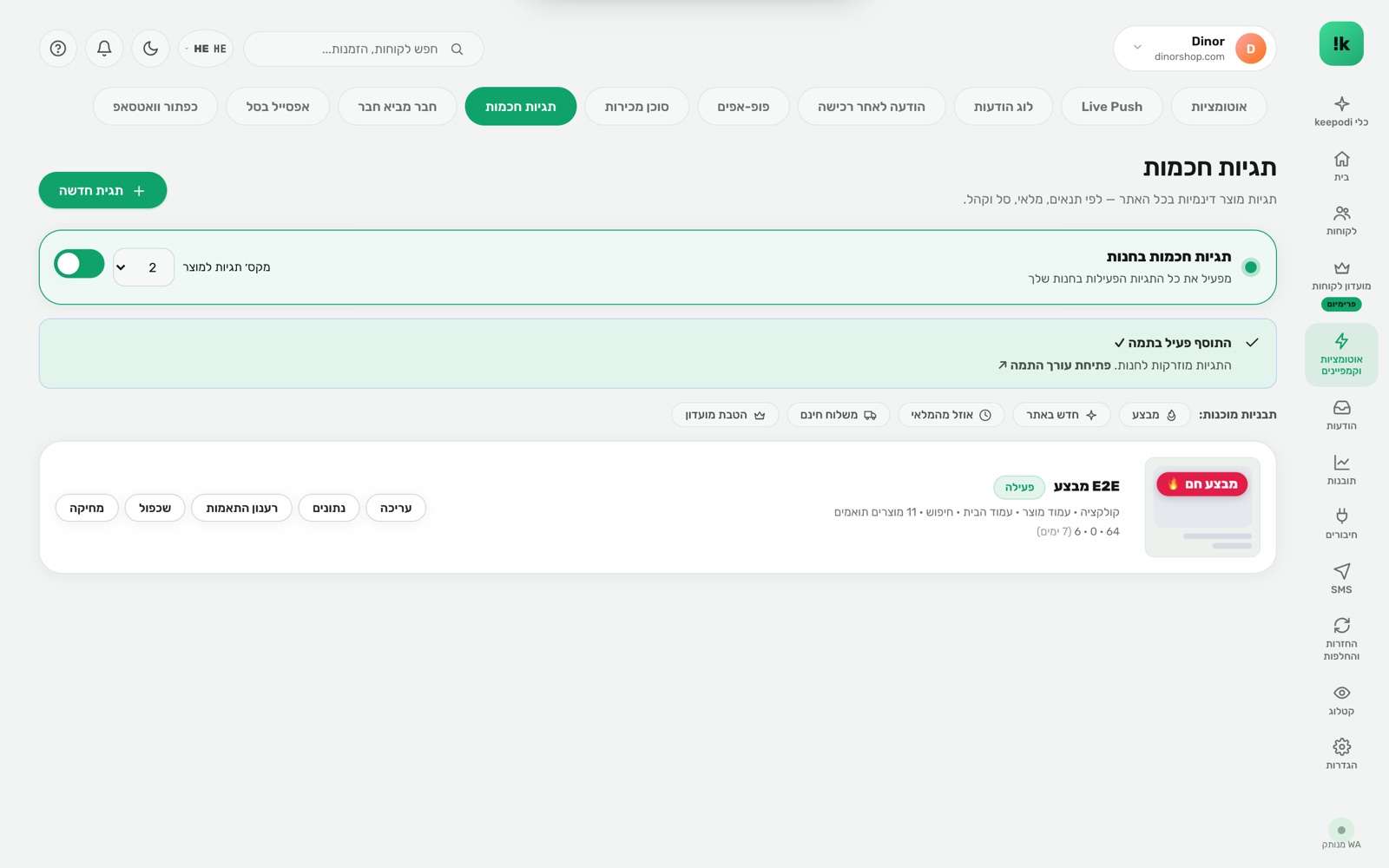
A small badge on the product. A big buying decision.
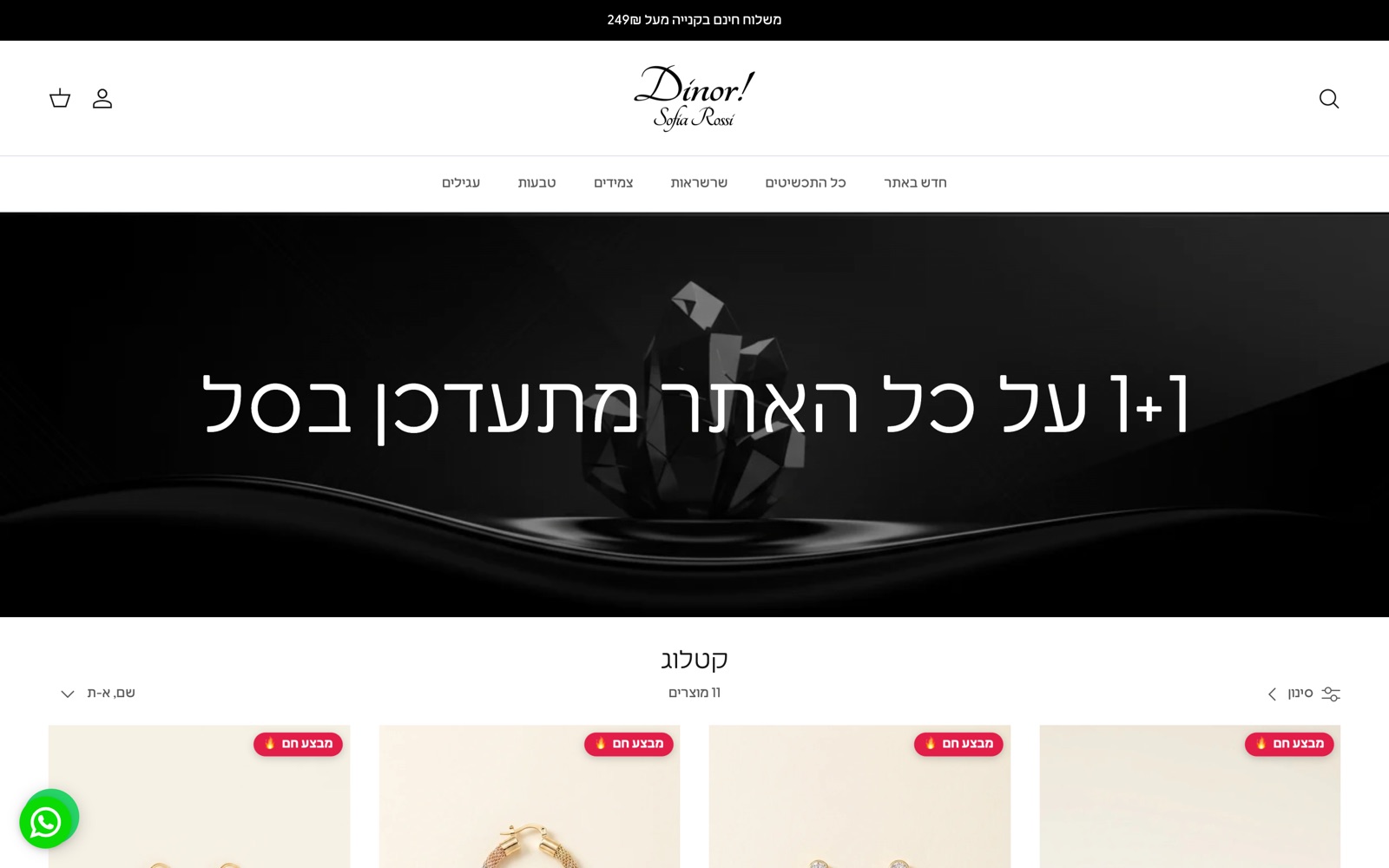
"Sale", "Low stock", "New", "Best seller" — badges that appear on the product image in collections and product pages based on real conditions: price, stock, collection, date, customer type. Fully in your design.
Built to work. For you.
Real conditions
The badge shows only when the condition holds — product on sale, low stock, added this week.
Every surface
Collection, product page, search, recommendations. keepodi detects the theme grid by itself.
Countdown and teaser
A badge with a clock for a sale that ends, or a "₪50 more for free shipping" teaser.
A/B between badges
Two versions, measured clicks and add-to-carts, automatic winner.
Free design
Color, shape, position, animation, font. Preview on a real product from the store.
Analytics
Impressions, clicks and add-to-carts per badge — so you know what actually works.
What your customers see.
Three steps. And it runs.
Create a badge
Text, design, and display rules: sale / stock / collection / date / audience.
keepodi computes
Products that match are assigned and updated when stock or price changes.
The badge appears
On the product image, wherever it shows. No theme edits.
Questions, answered
Does it affect site speed?
The product-to-badge map comes from a small static file. Rendering happens in the browser, no extra requests.
Do I need to edit the theme?
No. Enable the keepodi app embed once and badges ride any theme.
What happens when stock returns?
The badge updates automatically via Shopify webhooks — nothing to remember.
Now in your store.
Install from the Shopify App Store in two minutes. 14-day free trial, billed through Shopify, cancel in one click.
Install from the Shopify App Store